QR Codes for Direct Downloads: Handouts, Booths, and Events
Print a QR, scan with a phone, and download instantly. Perfect for conference booths, classrooms, posters, and community meetups.
Why pair QR with direct links
QR codes remove typing and errors. When you encode a direct download link, people scan and immediately get the file—no preview pages, no “click here” confusion. This is ideal when you have a crowd and want zero friction.
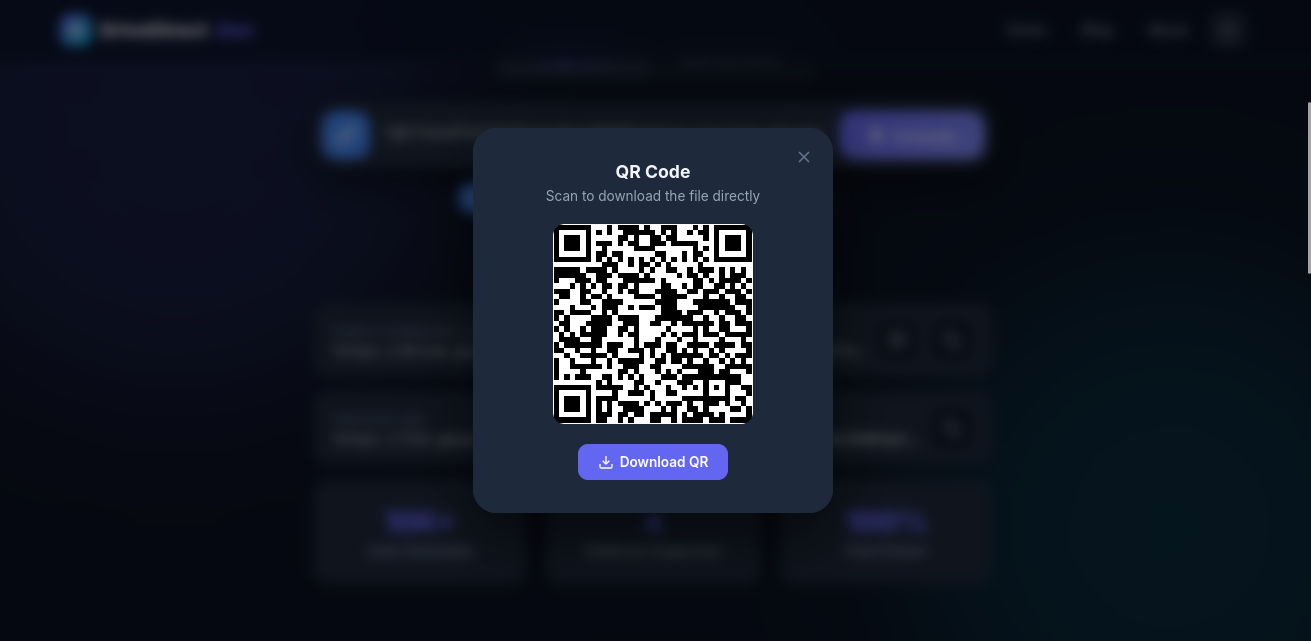
Add a short label so scanners know what they will get.
Steps to generate
- Convert your share URL into a direct link using DriveDirect Gen.
- Copy the direct link and open any QR generator (many free options exist).
- Paste the link, generate the QR, and download the PNG/SVG.
- Print it on your poster, flyer, or slide deck.
Make it scannable in real life
- Size: at least 3 cm x 3 cm for handouts; 5–7 cm for posters.
- Contrast: dark code on light background scans fastest.
- Quiet zone: leave white space around the QR so cameras lock on.
- Test: scan from a few meters away if it is on stage slides.
Label the QR clearly
Add a caption under the code so people trust it.
Download the slides (PDF)
Direct link, no sign-in
Include the file size (e.g., “12 MB”) so mobile users know what to expect.
Use short links when needed
Some QR generators do better with shorter URLs. If your direct link is long, wrap it in a trustworthy shortener you control (like a branded domain). Avoid shady shorteners at events—trust matters.
Multiple files? Add a mini landing page
If you have several downloads, create a simple HTML page with clear buttons (Primary and Mirror). Put the page URL in the QR so scanners pick what they need. This reduces reprinting when you update one file; just swap the links on the page.
Offline and spotty Wi‑Fi tips
- Provide two links: a small “lite” version and a full version. Mark both on the landing page.
- If venue Wi‑Fi is bad, place files on a nearby mirror (Dropbox or OneDrive) to reduce throttling.
- Encourage attendees to scan early while the crowd is small.
Privacy and permissions
Direct links are public. Do not place sensitive or private data behind a QR unless you restrict sharing to your domain and keep the audience controlled.
Takeaway
QR codes plus direct download links make file distribution effortless. Convert your link with DriveDirect Gen, generate a QR, label it, and print. Your audience scans once and gets the file instantly.
Related guides
- Convert many links in bulk before generating a batch of QR codes.
- Share downloads in classrooms and LMS alongside printed QRs.
- Embed direct-download buttons on the landing pages you pair with QRs.
- Create a Google Drive direct link if you need the base URL before encoding.