Fix Google Drive “Download quota exceeded” for Direct Links
Why the quota error appears, how to prevent it, and a fast playbook for shipping reliable direct downloads.
What the quota error really means
Google Drive throttles downloads when a file is requested too many times in a short window or by too many unique IPs. The classic message is “Sorry, you can't view or download this file at this time.” Direct links are convenient, but if a popular file spikes, Drive pauses access. The good news: you can recover quickly with mirrors and smaller bundles.
Quick triage checklist
- Check if the file is huge (1 GB+). Split or compress if possible.
- Confirm sharing is still “Anyone with the link.” If it flipped to restricted, fix that first.
- Ask a friend on a different network to test. If they see the same error, you hit the quota.
- Decide whether to wait it out (often clears in 24h) or publish a mirror now.
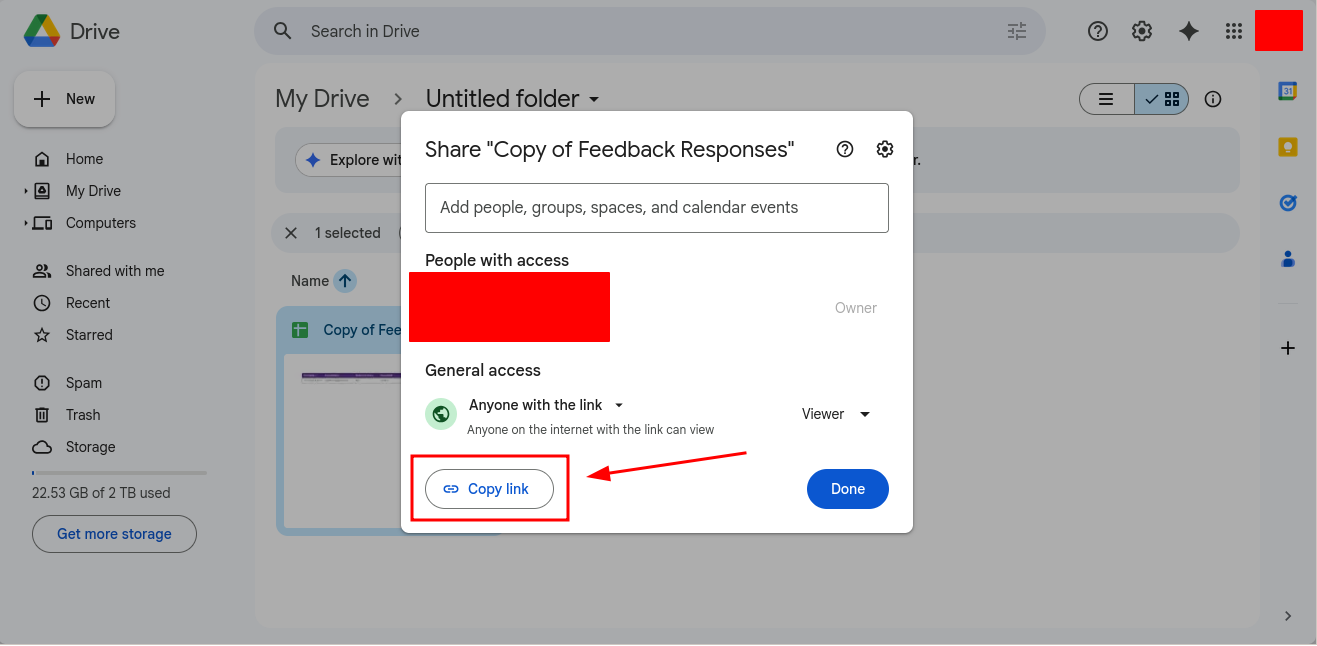
When traffic spikes, provide a mirror so your audience keeps downloading.
Option 1: Publish a mirror fast
- Upload the same file to Dropbox or OneDrive.
- Generate a share link and convert it to a direct download using DriveDirect Gen.
- Send or post the mirror link next to the original Drive link.
This takes under five minutes and keeps users moving while Drive cools down.
Option 2: Split large files
Quota is more likely on large, frequently downloaded files. If you ship a 2 GB video, split it into two 1 GB parts or compress to H.265 to shrink size. Each part gets its own link, spreading requests and lowering risk.
Option 3: Bundle multiple small files into a zip
When you have dozens of tiny files, zip them so users only make one request. This reduces total hits and shortens download time for your audience.
Option 4: Rotate between platforms
Publish two links: “Primary (Drive)” and “Mirror (Dropbox).” If Drive throttles, users automatically choose the mirror. Converting both links to direct downloads keeps the experience consistent.
How to harden your direct links
- Label mirrors clearly: “Primary” vs “Mirror” removes confusion.
- Keep version numbers: Add v1.2 to filenames so people know which file matches which changelog.
- Use short notes: Add “If Drive is slow, use the mirror” near the links.
- Test from mobile: Quota errors often show up first for mobile users tapping high-traffic posts.
Example notice you can paste
Primary (Google Drive) — direct download
Mirror (Dropbox) — direct download
If Drive shows “quota
exceeded,” use the mirror. Same file, same checksum.
Will changing the file ID help?
Re-uploading the file to Drive generates a new ID and resets quota, but everyone with the old link will break. Only do this if you can notify your audience quickly or if the file is internal to a small team.
What not to do
- Do not force users to request access; it slows everyone and many will leave.
- Do not use third-party rehosts you don’t trust; file integrity and privacy matter.
- Do not share private data broadly just to avoid quota; stay compliant.
Takeaway
Quota exceeded is frustrating but fixable. Add a mirror, shrink big files, and label links. Use DriveDirect Gen to convert both your primary and backup links to clean direct downloads so your users keep flowing without dead ends.
Related guides
- Create a Google Drive direct link step by step.
- Convert many links in bulk when you publish mirrors.
- Automate downloads with curl/wget for backups and mirroring.
- Force-download PDFs and images to reduce preview strain.