Direct Link Generator vs Manual Conversion
A head-to-head comparison to help you choose the best method for your workflow.
The Two Approaches
When you need to create a direct download link from a cloud storage share URL, you have two primary options:
- Automated Tool: Use a direct link generator like DriveDirect Gen that parses the URL and generates the direct link instantly.
- Manual Editing: Understand the URL pattern for each platform and manually construct the direct download URL by editing the link yourself.
Both methods achieve the same result, but they differ significantly in speed, convenience, error rate, and scalability. Let's break down each approach.
Speed & Convenience
Automated Generator
With a tool like DriveDirect Gen, you simply paste and click. The entire process takes under 3 seconds. You don't need to remember URL patterns, extract file IDs manually, or worry about typos. The tool handles all edge cases automatically.
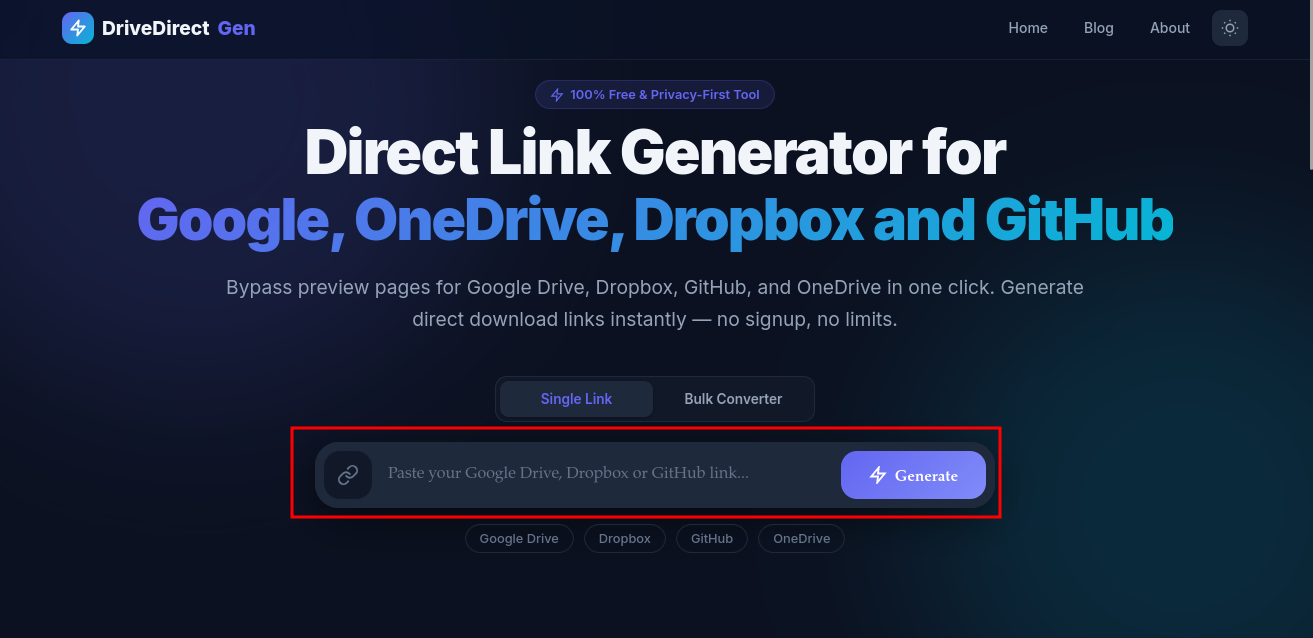
DriveDirect Gen: Simply paste a link and click Generate
Manual Method
Manual conversion requires you to locate the file ID in the URL, remember the target URL pattern, and carefully construct the new URL. This typically takes 15-30 seconds per link and is error-prone.
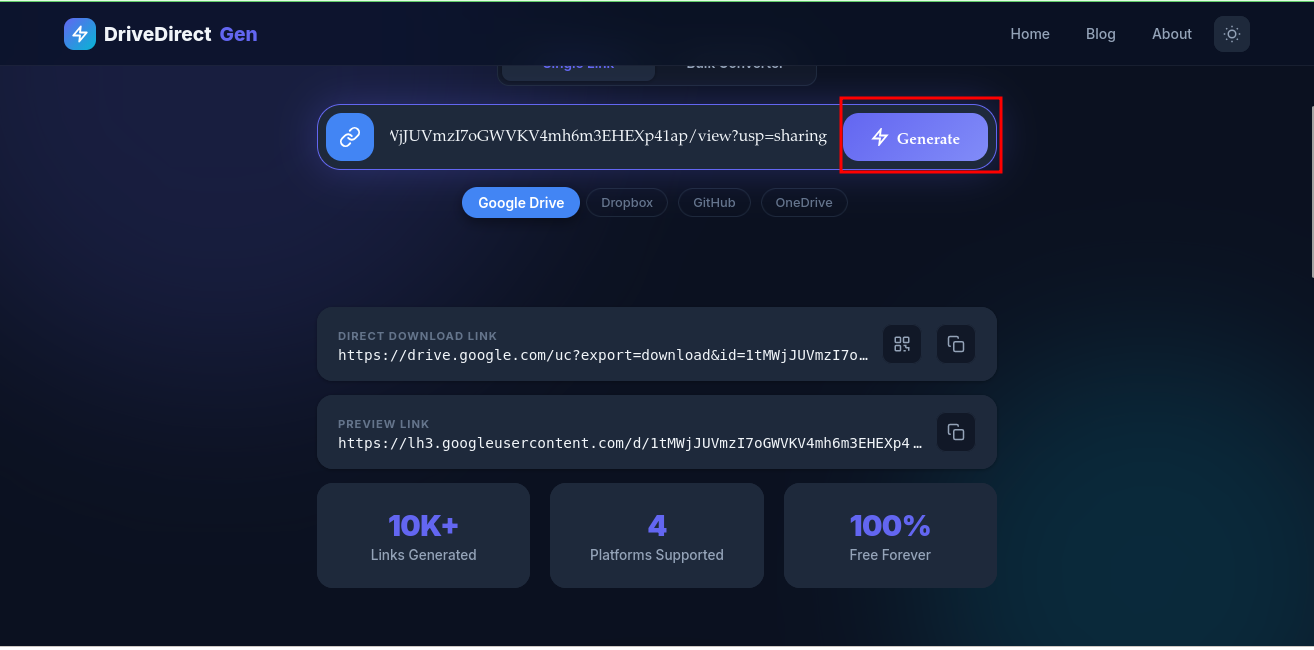
Generated results: Direct download link + Preview link with one-click copy
Winner: Automated Generator — 5x faster and zero chance of URL construction errors.
Multi-Platform Support
Automated Generator
DriveDirect Gen supports Google Drive, Dropbox, GitHub, and OneDrive — all with the same paste-and-click workflow. You don't need to know the specific URL pattern for each platform.
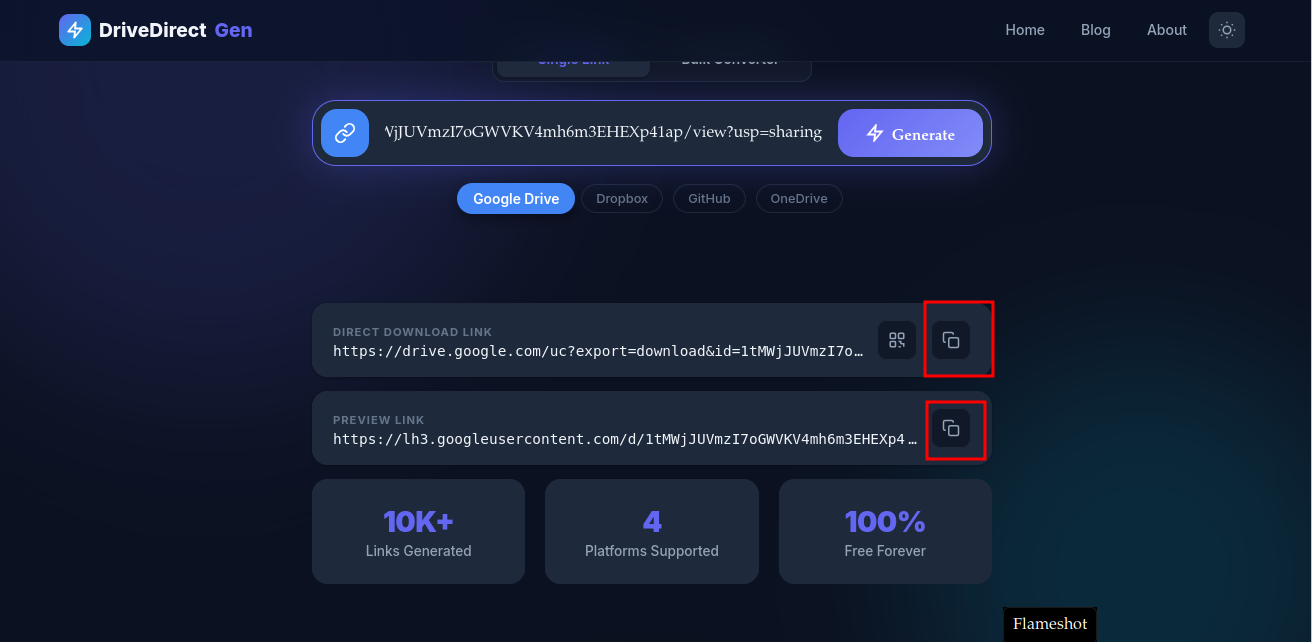
One tool supports Google Drive, Dropbox, GitHub, and OneDrive
Manual Method
You need to memorize or look up the URL transformation pattern for each platform. Each service has a different format, making it tedious when you work across multiple platforms.
Winner: Automated Generator — One tool for all platforms.
Privacy & Security
Automated Generator (Client-Side)
Tools like DriveDirect Gen that process links client-side (in your browser) are just as private as manual editing. Your links never leave your device. However, some online generators process links server-side — always check!
Manual Method
Manual editing is inherently private since no external tool is involved.
Winner: Tie — As long as the generator is client-side (like DriveDirect Gen).
When to Use Which?
- Use an Automated Generator for quick, one-off conversions, when working with multiple platforms, or when you want zero chance of errors.
- Use Manual Editing when you're building scripts or automation that need to construct URLs programmatically.
- Use the API when building production applications that need server-side file access.
Bonus: QR Code Sharing
DriveDirect Gen also lets you generate a QR code for any direct download link — a feature no manual method can offer. Just click the QR icon next to the copy button:
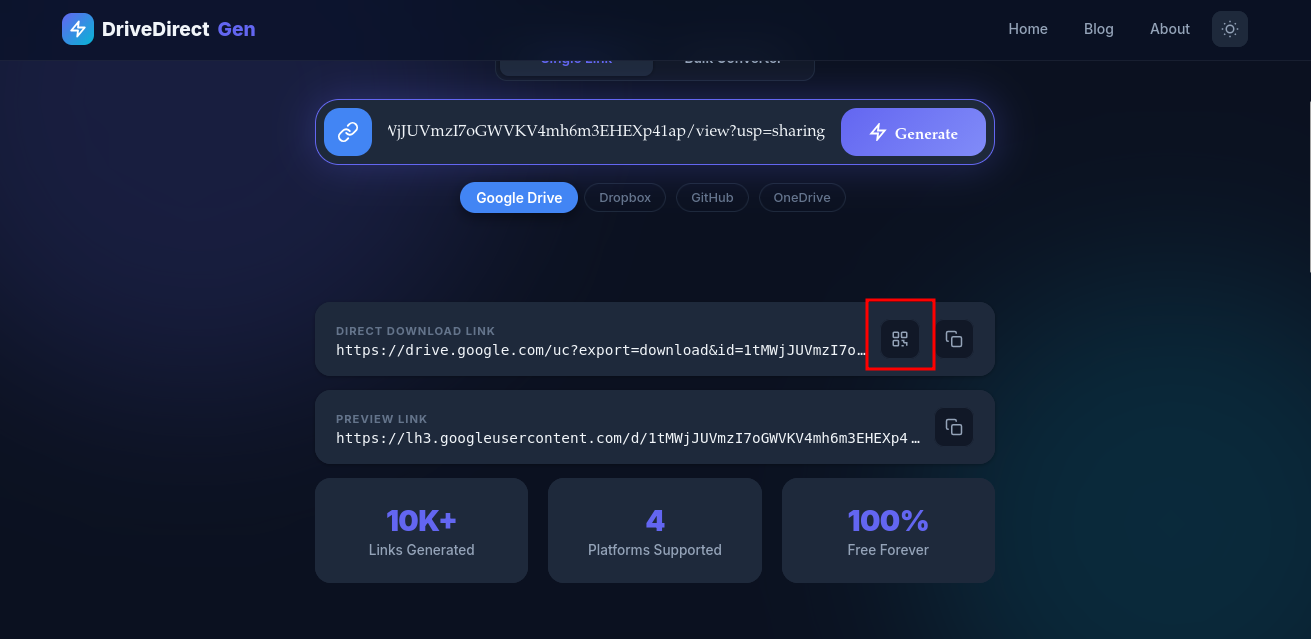
Click the QR code button on any generated link
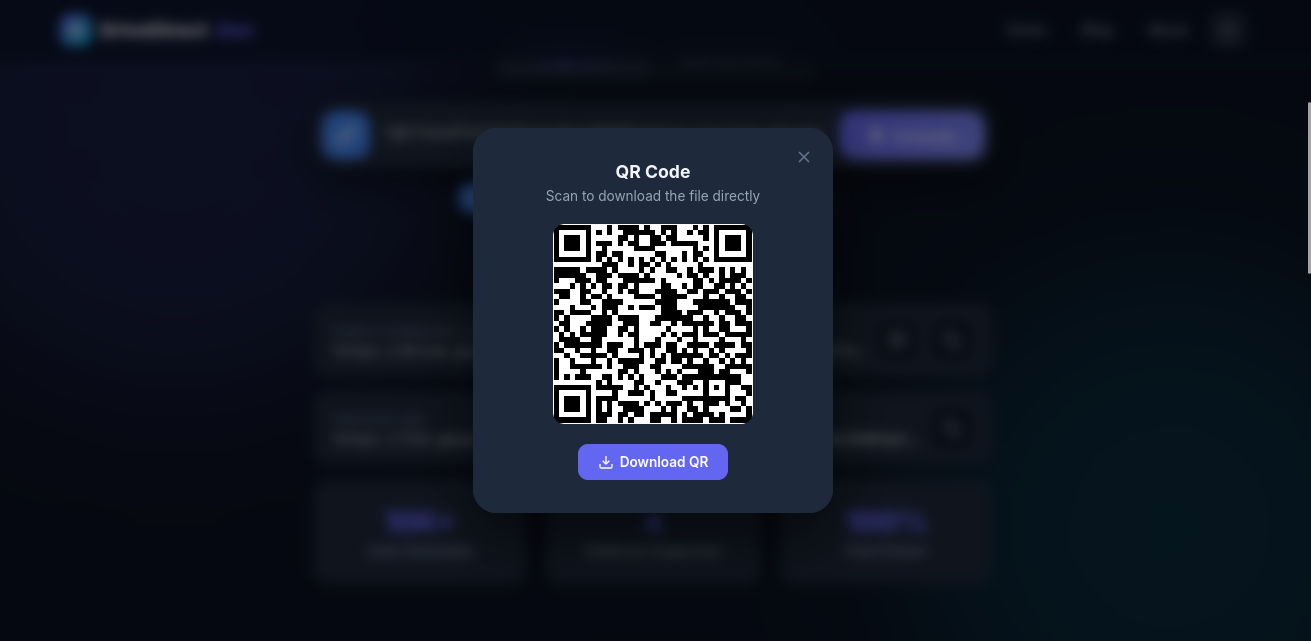
Scan or download the QR code for easy mobile sharing
Conclusion
For the vast majority of users, an automated direct link generator is the superior choice. It's faster, error-free, and works across all platforms. DriveDirect Gen is the best option because it runs entirely client-side, is completely free, and supports 4 major cloud platforms.
Try it now — generate your first direct link in under 3 seconds!